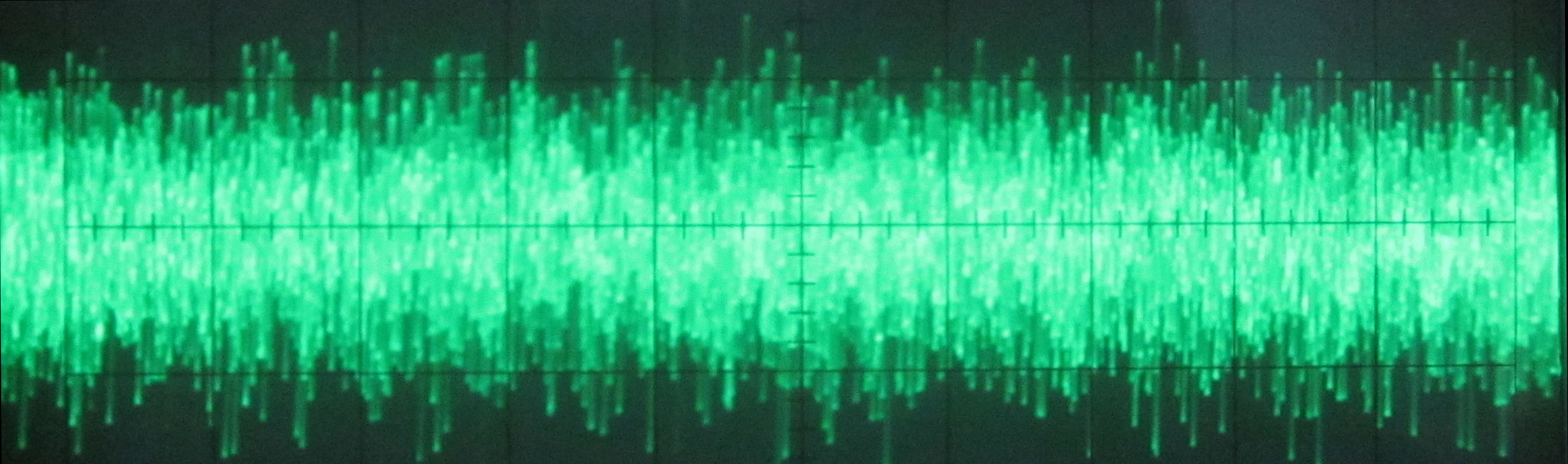
Analog vs. Digital...What's the difference?
High quality white noise is supposed to consist of rapid "true-random" impulses. It is the very nature of this "randomness" that produces that distinct white noise sound - just like the random spattering of rain drops. White noise that does NOT consist of true-random impulses is called pseudo-random noise. It sounds "white" because the individual impulses only seem to pop forth randomly. What is really going on is that this seemingly random train of impulses is just a predetermined sequence of bits that will eventually repeat itself. It is just a simulation of true-random noise created by mathematical algorithms - a product of digital technology. It is not possible to generate true-random white noise by digital means, e.g., computer software or digital electronic circuitry.
Pseudo-random noise might sound O.K. at first, but most people listening to pseudo-random white noise would be able to detect the subtle variations & characteristics that repeat after a certain period of time. Listening to pseudo-random noise would be like listening to a recording of a river or waterfall on loop mode (not such a pleasant thing). Even if you could not consciously detect the noise looping back to the beginning, you can be sure that your subconscious mind will notice. I've had one customer tell me that every time her sound conditioner looped back, it woke her from her sleep. Sounds that repeat themselves can be annoying.
Only an analog source can provide true-random white noise. The problem is that almost all other white noise generators or electronic sound conditioners found on the market are pseudo-random digital devices. Why? Because digital noise generators are much easier to manufacture. We are one of the few manufacturers left in the world that still produce analog noise generators.